
|
Receivables Tab on MKMS DesktopThis Help File Page was last Modified on 09/20/2024 |


|
|
Receivables Tab on MKMS DesktopThis Help File Page was last Modified on 09/20/2024 |
 Scroll to Top of Page
 Print Topic
 Email Feedback
 Show/Hide Expanders
❑The Receivables Tab on the MKMS Desktop is outlined below and explained in detail in the appropriate chapter(s).
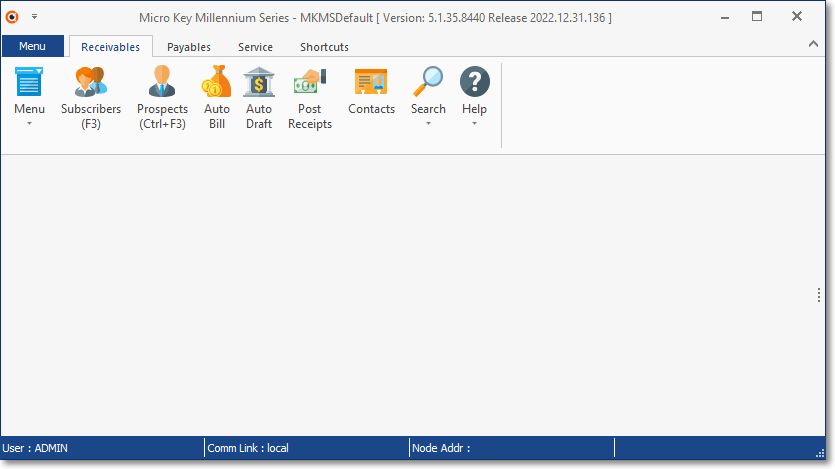
MKMS Desktop - Receivables Tab
•Menu tab - Displays the Back Stage Menu
•Menu Icon - Displays the Quick Access Menu
•Subscriber (F3) - Opens the Subscribers Form (or Press F3)
•Prospects (Ctrl+F3) - Opens the Prospects Form
•Auto Bill - Opens the Auto Bill Recurring Revenue dialog
•Auto Draft - Opens the Post Auto Drafts dialog
•Post Receipts - Opens the Receipt Posting Form
•Search - Opens the Search Menu which provides access to several Search options:
✓4) Multi Field Search,
✓5)Telephone No Search, and
✓6) Quick Search.
•Help - Opens a sub-menu with Help File access options, and provides access to the About box.
•Contacts - Provides access to the system-wide, universal Contacts Form.